TL;DR: Network switches are the invisible infrastructure behind your phones, CCTV, door access and wifi, often running through the same box. The DfE standard asks for fast, reliable connections, central management with a 5-year support minimum, proper security, and backup power for the switches that matter most. The real question to ask IT support: which switches would take down more than just wifi if they failed today, and are they protected?
A network switch is one of the boxes that connects devices and systems around the school. WiFi, phones, CCTV and door access may all depend on switches, which is why an unnoticed box in a cupboard can be more important than it looks.
The real risk isn’t simply that an old box might fail. It’s what else stops with it. If several important services depend on the same unsupported or unprotected switch, one fault can become a much wider operational problem.
The single point of failure hiding in a cupboard
Most staff in a school could point to the broadband router. Almost none could tell you where the network switches are, and that’s exactly the problem this standard exists to address.
Your phones, your CCTV, your door access control and your wireless access points are very likely all powered through the same switches as your computers and wifi, sitting in a cupboard or server room most people have never opened. If one of those switches has a single power supply and no backup, taking it offline, a fault, a power cut, a failed component, doesn’t just cost you “the internet.” It can take out the phones, the door entry system and the wifi in that part of the school all at once.
That’s why this standard is really about resilience rather than speed. A switch is either quietly doing its job, or it fails and several things stop working at the same time, which is exactly the moment everyone notices it existed.
What the DfE actually asks of your school
Fast, reliable connections for every user, wired and wireless. Switches should provide at least 1Gbps to every device on a desk, with higher-capacity connections for anything demanding, like servers or wireless access points, and safe power delivery to devices like CCTV, door access and phones that draw power through the same cabling.
Central management. One tool to configure, monitor and get alerted about every switch, with at least 5 years of manufacturer support as standard. Equipment that’s stopped receiving security updates should be replaced, not left running.
Security that keeps unauthorised access out. Only authorised and properly authenticated devices should reach the network, with admin accounts secured and documented, and security updates applied automatically rather than left to chance.
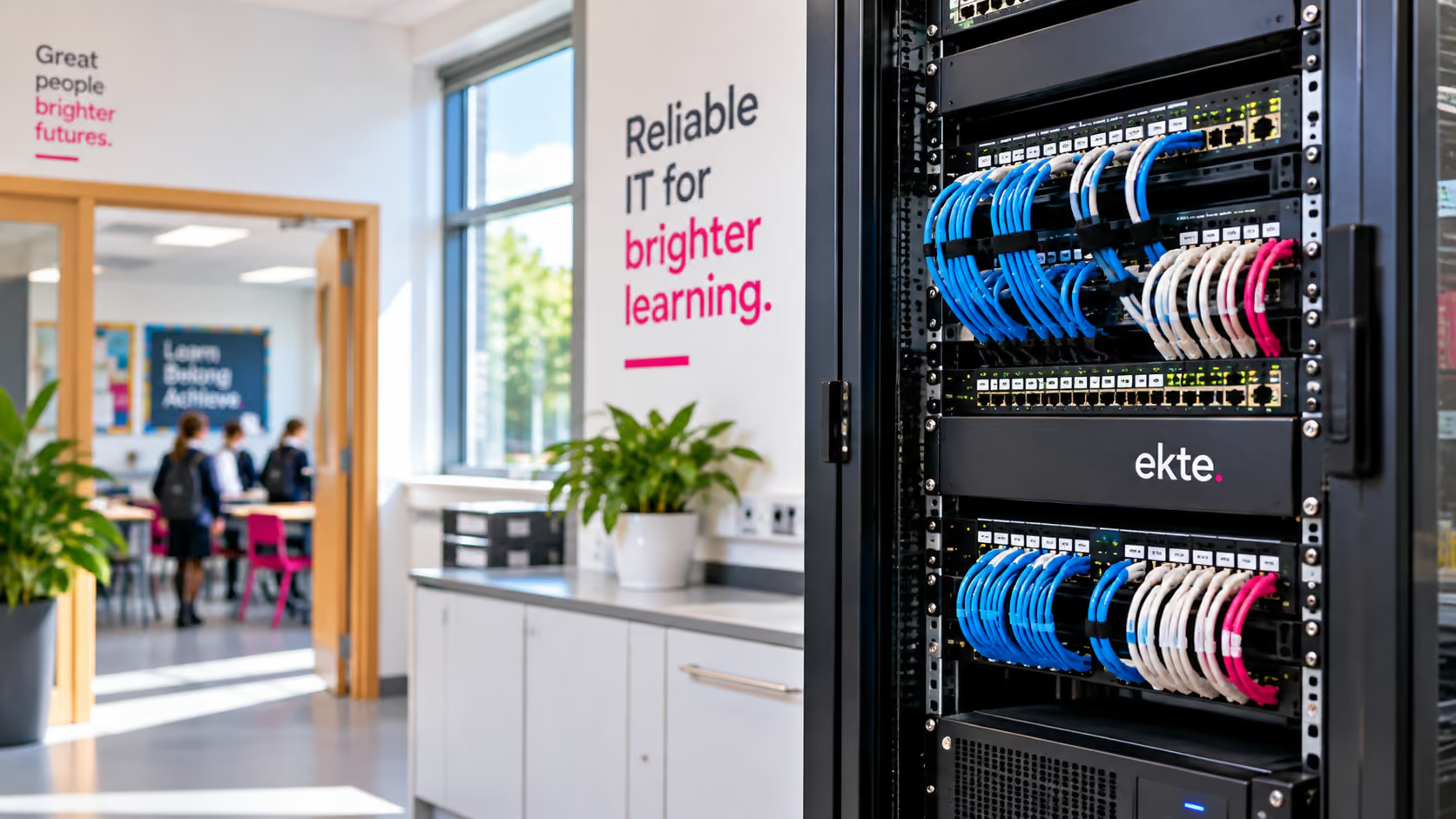
Backup for the switches that matter most. The switches that matter most need two power supplies, two management modules and two connections to other critical kit, plus a UPS (uninterruptible power supply), so a power blip doesn’t take the whole network down with it.
Our approach
Switches are the least visible part of a school’s network, and usually the last thing anyone budgets for, right up until one fails mid-timetable. We won’t recommend replacing working infrastructure for the sake of it. What we will flag, honestly, is anywhere a single switch with no backup is quietly carrying more than it should.
Guidance referenced is current as of August 2026. Always check GOV.UK for the latest version.
Ask your IT support: Which switches would affect more than just WiFi if they failed today, what depends on them, and are they still supported and appropriately protected?