TL;DR: A network switch is one of the boxes that connects devices and systems around the school. The first compliance job is visibility: know which switches you have, whether they still receive manufacturer support and security updates, how they are managed and which important services depend on them.
Think of a network switch as a traffic junction for data inside the school. Lots of devices connect through it. ‘Central management’ means IT support can see and control the switches together. ‘Unsupported’ means the manufacturer may no longer provide the fixes or updates needed to keep the equipment reliable and secure.
An ageing or unsupported switch can become both a reliability and security problem, but the bigger issue is often what quietly depends on it. One failure may affect WiFi, phones, CCTV or door access together. Knowing those dependencies in advance gives the school the chance to close a weak point before it becomes an operational surprise.
Network switches are easy to ignore because, when they are working, nobody has much reason to think about them.
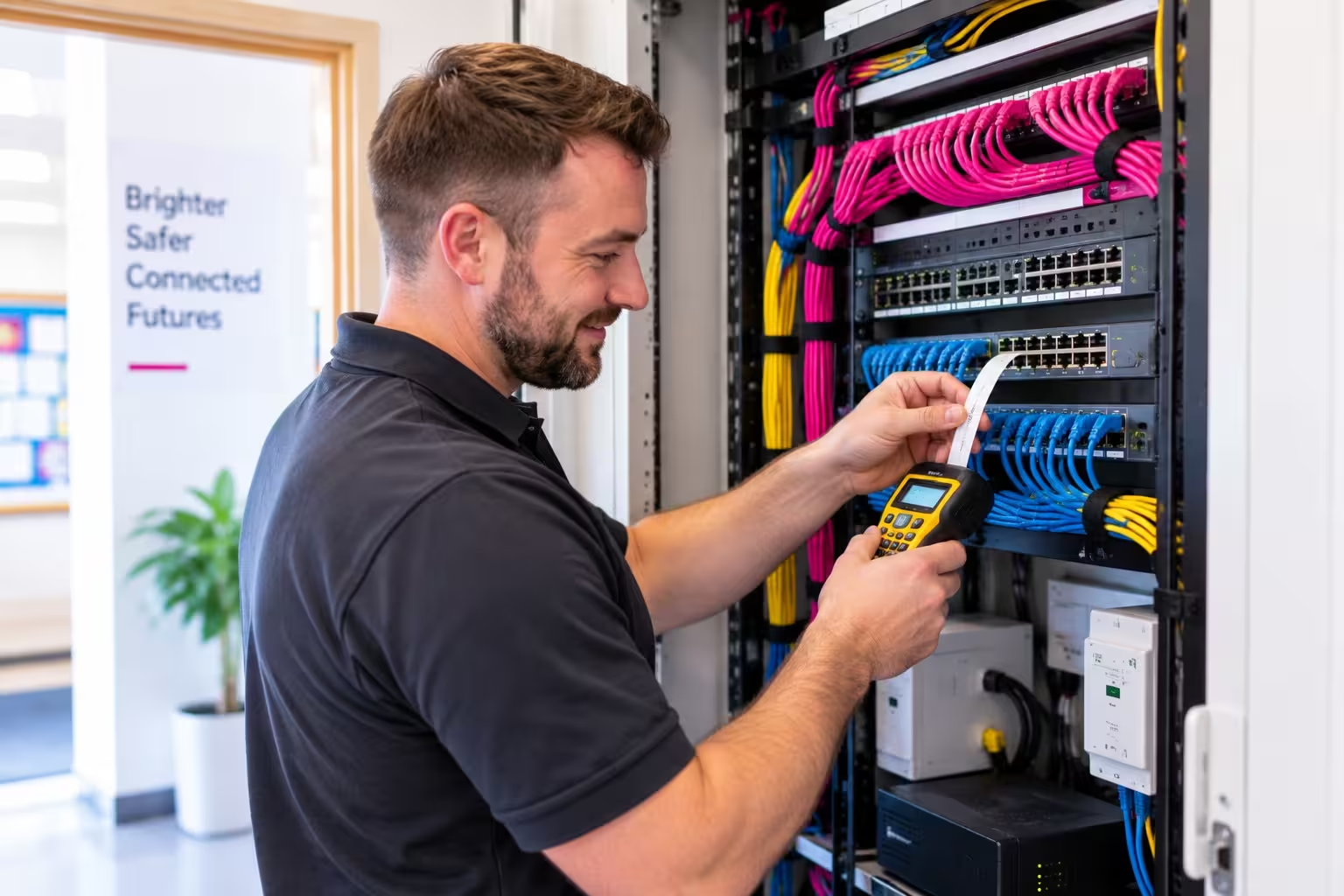
A switch is essentially one of the traffic junctions for data inside the school. Computers, wireless access points and other networked systems connect through switches so information can reach the right place.
That means a single switch may matter to far more than ‘the internet’.
Start by knowing what is installed
The first practical step is simply to know what is installed.
Ask for an inventory showing the make and model of each switch, whether it is still supported by the manufacturer and when that support ends. The DfE standard expects new switching solutions to include at least five years of manufacturer support covering things such as firmware and software updates.
Why does support matter? Because equipment that no longer receives security fixes and updates can become harder to protect and harder to keep reliable.
Then how they are managed
Next, ask how the switches are managed.
Central management means IT support can monitor and configure the school’s switches together, see performance problems and receive alerts rather than waiting until a user reports that something has stopped working.
Then what depends on them
Then identify the important dependencies.
Which switch supports the WiFi in a particular building? Do phones, CCTV or door access also depend on it? If that one device failed, what else would disappear with it?
Our approach
ekte would also look at power resilience around the most critical switches, because a perfectly healthy switch is still unavailable if it loses power.
This is one of the easier standards to begin working through because the first job is not replacement. It is visibility: know what you have, whether it is supported, how it is managed and what depends on it.
Ask your IT support for a simple list of the switches on site, when manufacturer support ends, whether security updates are still available, how the switches are centrally managed and which important services depend on each one.