Network Switching for Schools: The DfE Standard, Simplified
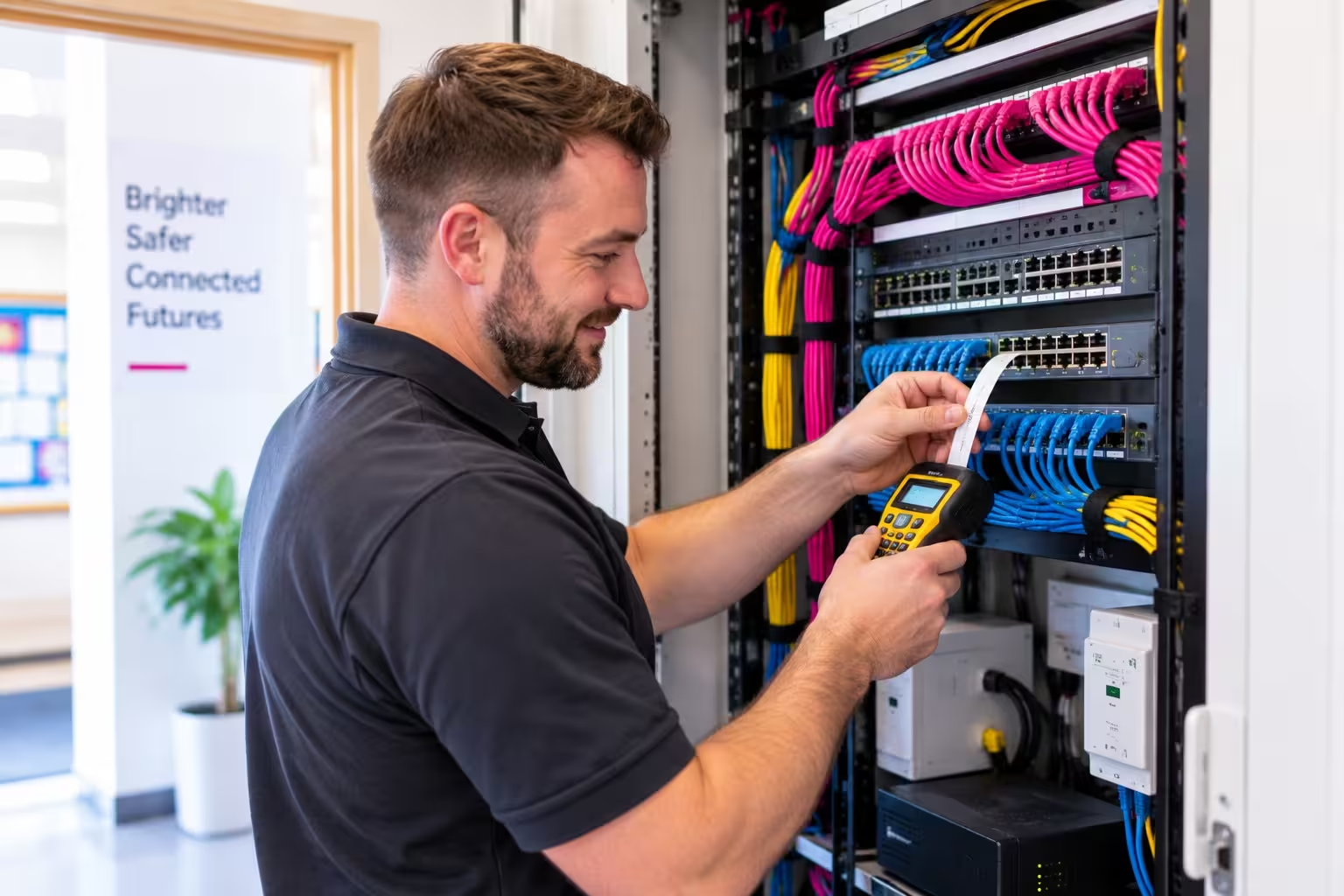
Your phones, CCTV, door access and wifi probably all run through the same network switches, sitting quietly in a cupboard most staff have never seen. It’s easy to forget they’re there, until one fails and takes down more than just the internet.
This series covers what the DfE’s network switching standard actually asks, across four parts, from the basics through to budgeting and planning for 2027.
The standard asks for central management, one tool to configure, monitor and get alerted about every switch, with at least five years of manufacturer support as standard. Equipment that’s stopped receiving security updates is meant to be replaced, not left running or patched around indefinitely. It also asks for security that keeps unauthorised access out, only properly authenticated devices reaching the network, admin accounts secured and documented, and updates applied automatically rather than left to chance. Backup power matters too, for the switches that matter most, so a power blip doesn’t take out your phones and door access along with everything else.
The real question worth asking your IT support: which switches would take down more than just wifi if they failed today, and are they actually protected. Across the four parts, we’ll cover what the standard expects, practical first steps, a real example, and how to plan for 2027.
Get in Touch with ekte
We're here to support your broadband needs—reach out for expert advice and assistance today.