TL;DR: The DfE standard focuses on whether the wireless network gives the school the coverage, performance, management and security it needs. Schools do not need to replace a working network just because Wi-Fi 7 is newer. The first job is understanding where the current network succeeds and where it struggles.
An access point is the device that provides WiFi in an area of the school. Central management means IT support can see and manage those access points together rather than treating every room as a separate problem. A site survey measures how the WiFi performs around the building.
WiFi usually becomes a problem at the moment demand is highest: a full classroom, an exam hall or a busy event. The point is not to chase the newest technology; it is to know the network works where people depend on it and that guest or unmanaged devices cannot reach more than they should. Evidence replaces guesswork.
A WiFi network can look perfectly healthy from one office and still struggle badly somewhere else in the school.
That is why the first step is not automatically buying new equipment. It is understanding how the existing network performs where people actually use it.
What the standard actually covers
The DfE wireless standard covers performance, coverage, management and security. It was updated in 2026 to include Wi-Fi 7 requirements for new or replacement solutions, but schools do not need to replace a network simply because a newer specification exists. The trigger is whether the current solution still meets the school’s needs and remains supported.
Finding out where it struggles
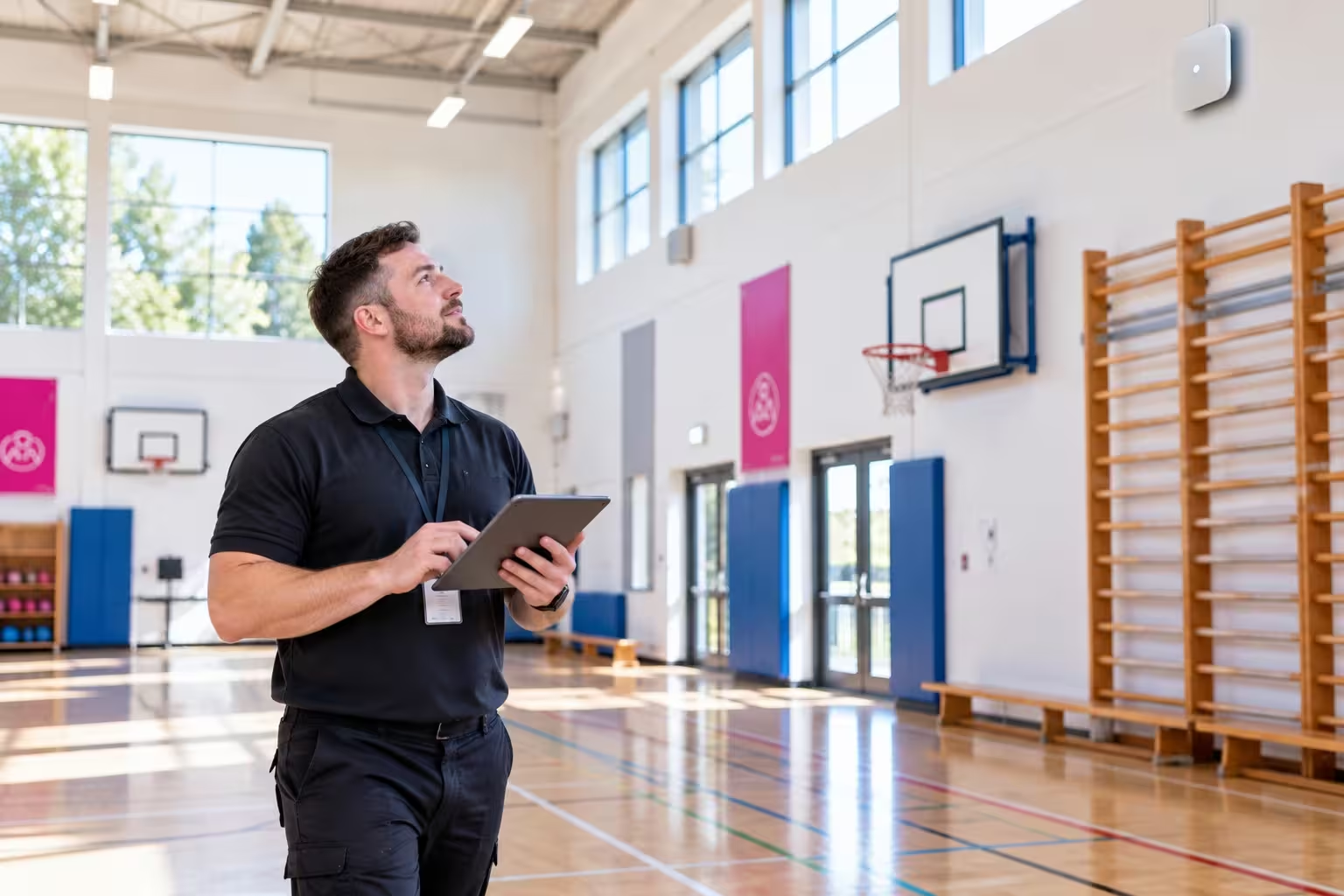
A site survey is one practical way ekte would find that out.
It measures wireless coverage and helps identify areas where the signal or capacity falls away. That includes spaces which may be easy to overlook: sports halls, outdoor areas and exam spaces.
Managing every access point together
Then look at how the network is managed.
Schools normally have multiple wireless access points: the devices around the site that provide WiFi. Central management allows IT support to see those access points together, spot problems and make changes without waiting for complaints from individual classrooms.
Keeping guest devices in their place
Security matters too.
A visitor’s phone or another unmanaged device should not automatically receive the same level of network access as a school-managed laptop simply because both know the WiFi password. Guest access should be appropriately separated and secured.
The practical risk is easy to picture: an exam hall fills up, dozens of devices connect, and the network cannot cope. Or a poorly controlled guest device has access to parts of the network it does not need.
Good wireless planning starts with evidence about how the school actually uses WiFi, not an assumption that old means bad or new means necessary.
Ask your IT support: Are there known weak or overloaded areas? When was coverage last checked across the whole site? Can you manage all access points centrally? How are guest and unmanaged devices separated from school-managed devices? Does the current equipment still meet our needs and receive support?