
TL;DR: Filtering stops pupils reaching harmful content. Monitoring tells the right people what pupils tried to do. Schools need both, and they need activity to be traceable to an individual wherever possible.
Filtering is the gate. It stops pupils and staff reaching websites they shouldn’t. Monitoring is the alert. It tells the right people what someone tried to search for or visit, so a concern can be followed up.
A search like “I am being bullied” might not be blocked, and shouldn’t always be. If monitoring isn’t in place, or alerts don’t reach the designated safeguarding lead, a child reaching out for help could go unnoticed.
A pupil tries to visit a gambling website. The school’s filtering blocks it.
So far, so good.
But does anybody know the pupil tried?
As our Director of Technical Services, James Meer, puts it: “He can’t get to the website to place a bet. Brilliant. But we don’t know that he’s tried.”
Two jobs, not one
When James works with schools, he encourages them to see filtering and monitoring as two separate things, even though they work together.
Filtering decides what people can reach online. It usually works in layers. Pupils have the most restricted access, while staff and office teams have different levels depending on their roles. Staff might be able to use YouTube in lessons, for example, when pupils can’t.
Monitoring has a different purpose. It tells the school about activity that might need attention, including safeguarding concerns.
When blocking isn’t the right response
Imagine a pupil searches for “I am being bullied”.
That search might lead to genuine support, so blocking it could be exactly the wrong thing to do. But the school still needs to know.
“Regardless of whether it’s blocked or not, I need to know that child has typed in the word bullied,” James says.
Monitoring can flag activity like this to the designated safeguarding lead, so the people who know the child can decide what happens next. No system will catch every concerning search, which is why how monitoring is set up and reviewed matters.
A filtering system can be working perfectly while monitoring is missing, or not reaching anyone.
What we often find
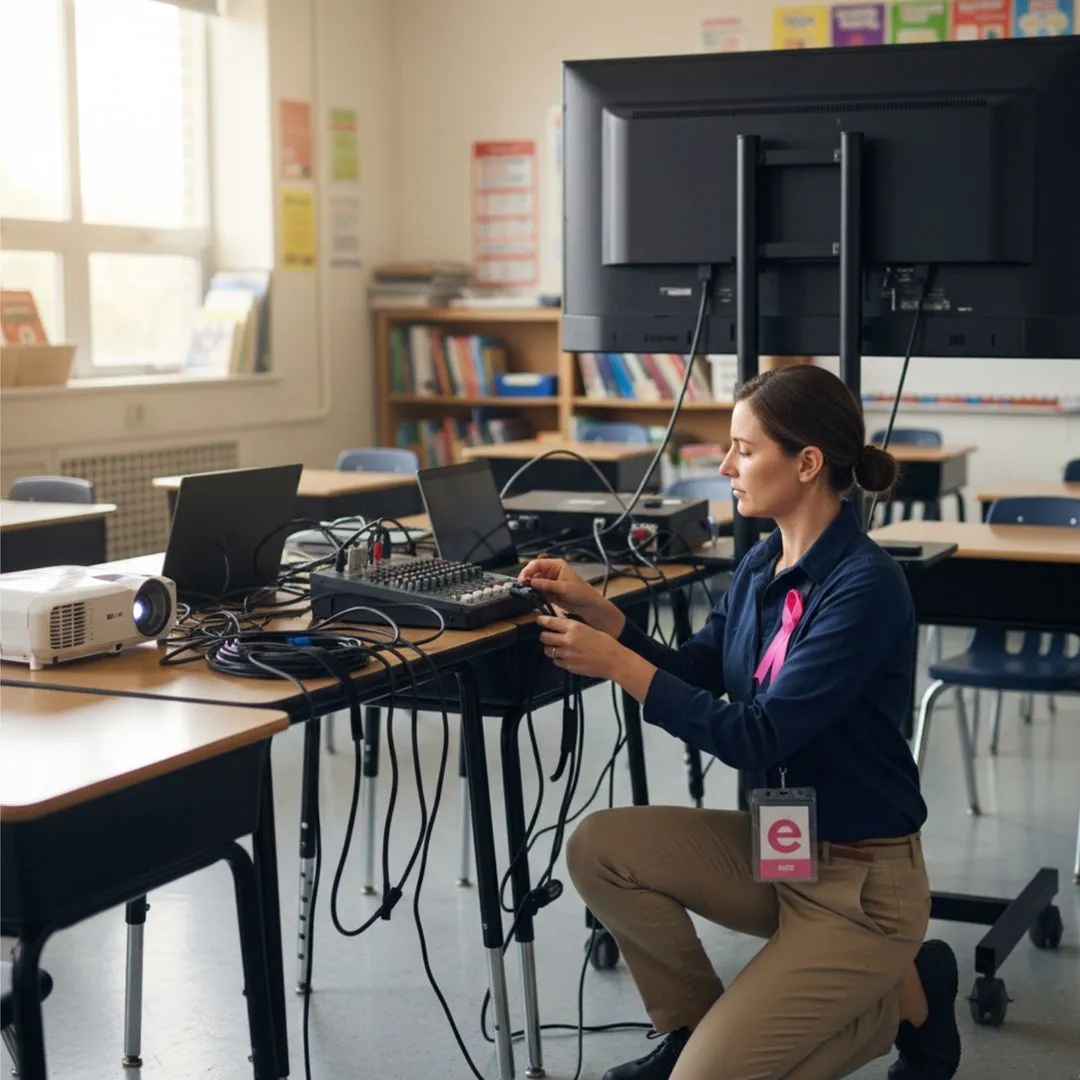
When ekte takes over a school’s IT support, James says we sometimes find filtering that has been in place for years without anyone reviewing it. Alerts may go nowhere, or to someone who has since left.
Monitoring is where the gaps tend to be. Either it isn’t in place at all, or it isn’t enough for the school’s safeguarding needs.
Having bought filtering or monitoring software doesn’t mean the arrangements are working. Someone needs to know what the systems capture, what triggers an alert and who responds.
Who was using the computer?
There’s another complication.
Many schools, especially primaries, have used shared logins, such as one account for the whole of Year 1. It makes lessons quicker to start, and nobody forgets a password.
But imagine a monitoring alert flags a worrying search made on that shared account. The school knows what was searched, and perhaps which computer was used, but not which child.
The DfE’s filtering and monitoring standard expects monitoring to make users identifiable, “so concerns can be traced back to an individual”. A shared class login makes that very hard.
Individual accounts bring their own challenge for young children. Thirty pupils with thirty usernames and passwords can quickly eat into lesson time.
James’s answer in many schools is a sign-in tool where younger pupils log in by choosing a sequence of pictures, such as emojis, rather than typing a password. Once signed in, they’re automatically logged into the learning apps they use, such as times tables or coding apps.
“The child only has one single set of credentials to sign in with, and they’re signed into all of their learning tools,” James explains. Pupils get started faster. Individual sign-ins also make it much easier to associate activity with a particular pupil account, helping safeguarding staff investigate concerns when monitoring identifies something that needs attention.
The iPad question
Tablets raise the same issue. Part of their appeal is that you switch them on and go, with no sign-in. But without a sign-in, monitoring can tell you which iPad was used, not which child.
That can work, as long as the school records which pupil has which device in each lesson, for example by numbering iPads and handing them out in register order. It’s an extra step, and worth deciding on before you buy.
When one school asked James about replacing its iPads, his advice was to hold off until it was clearer which devices would let pupils sign in, rather than spend now on something that wouldn’t fully meet what the school needed.
Technology supports judgement. It doesn’t replace it.
The DfE standard is clear that responsibility is shared. Governors and leaders hold overall responsibility, the designated safeguarding lead responds to safeguarding concerns, and IT support maintains the systems. Filtering and monitoring should also be reviewed at least once every academic year.
A review is not only an annual event. The DfE’s standard also says to review when something new arrives, such as new devices or generative AI tools. If a class starts using an AI chatbot, for example, ask your IT support whether your filtering and monitoring can still see what pupils are doing with it.
Your IT support can explain what the systems detect, where their limits are and what could be adjusted. The safeguarding response remains the school’s.
Questions to put to your IT support
- What is our filtering blocking, and does it differ for pupils, staff and guests?
- What does our monitoring detect, and who receives the alerts?
- How do we know alerts are being reviewed?
- Can a concern be traced to an individual pupil, including on shared devices?
- When did we last review our filtering and monitoring together?
Bringing it together
Effective filtering and monitoring take more than software. They need technical arrangements, school routines and safeguarding responsibilities working together.
At ekte, we help schools understand how those pieces fit and where their current arrangements might need attention. Our page on filtering and monitoring for schools sets out how that support works.
Because blocking something inappropriate and recognising that a child may need help are not the same thing.
Bring your designated safeguarding lead and IT provider together to review how monitoring alerts are received and acted upon. Make sure everyone understands who is responsible for what happens next.
If you’d like to understand how effectively your filtering and monitoring arrangements support safeguarding, ekte can help you identify gaps and agree practical improvements.
Start a conversation: sales@ekte.uk